Hedgehog Creek Beginner's Guide: What to Do on Your First Day
Just made a hedgehog, or thinking about it? Here's everything to do on your first day in Hedgehog Creek, from Mayor Spike's welcome tour to your first flight, your first coins and your first friends.
Hello Hedgehogs!
Hedgehog Creek is a free to play online virtual world that you play in your web browser. You make a hedgehog, explore a little village, play minigames for coins, decorate your own home and meet friends from around the world. I've been making it on my own since 2020 and it works on computers, phones and tablets with nothing to download.
If you've just arrived (or you're thinking about it), this guide walks you through your first day, one step at a time.
1. Make your hedgehog
Head to Create a hedgehog. First you dress your hedgehog, then you pick a name, then you save it. Your hedgehog gives you a wave and you start the game wearing the outfit you picked.
Don't worry about getting the look perfect. You'll find plenty more clothes in the shops and you can change your outfit whenever you like.
2. Meet Mayor Spike
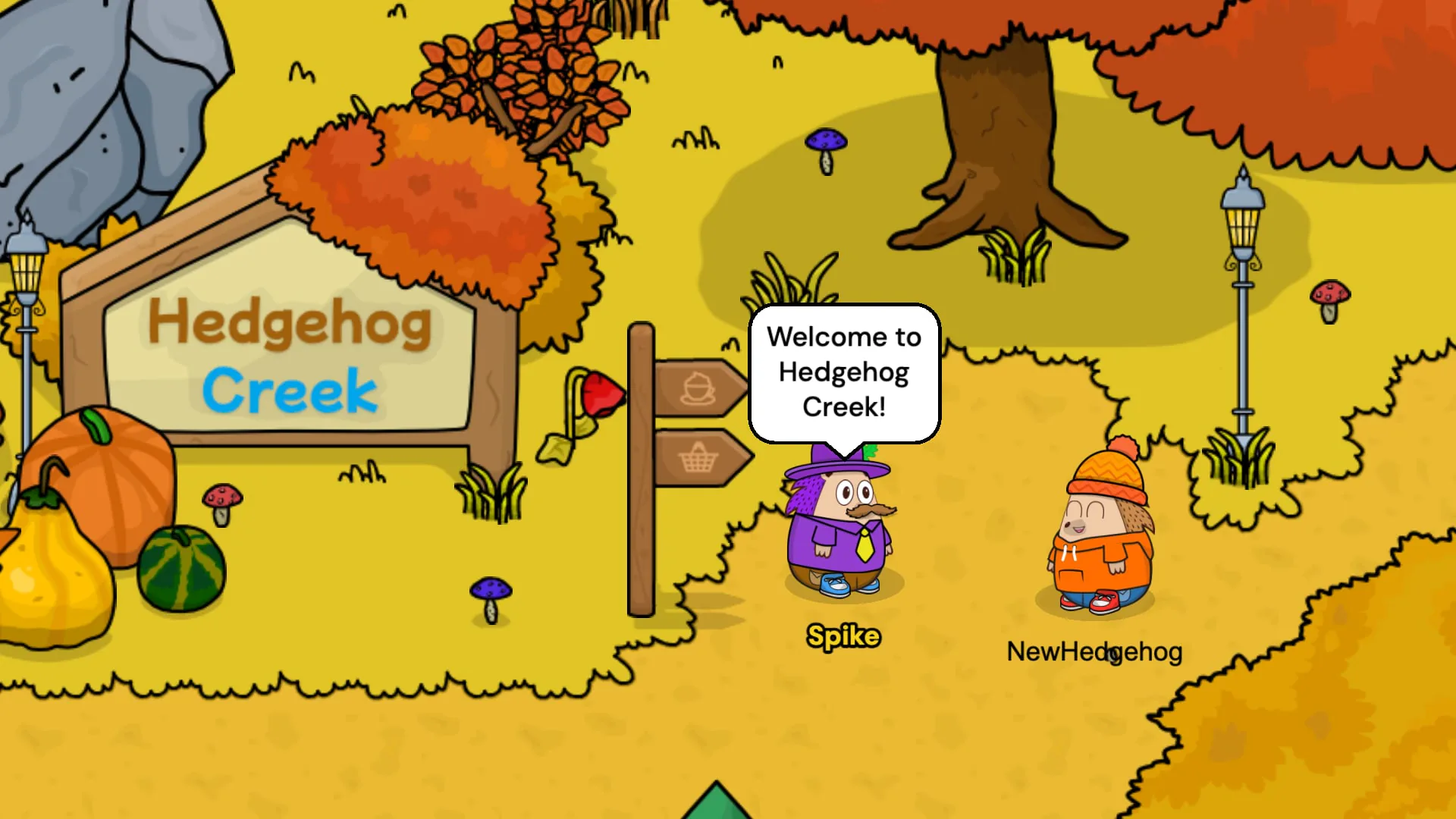
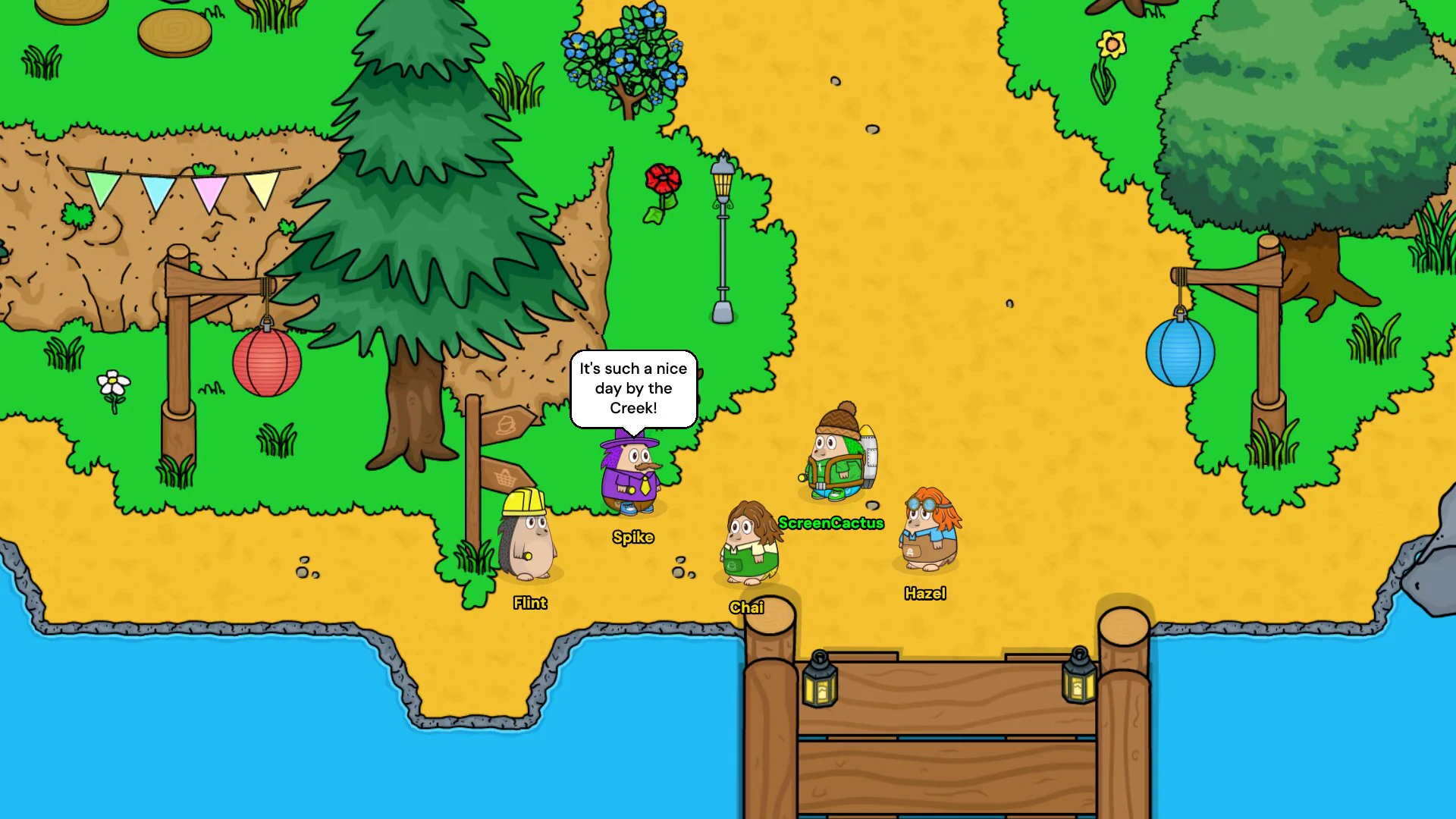
The first hedgehog you'll meet is Mayor Spike. He walks over to say hello and takes you on a little tour of the Village. The camera glides to each place he mentions so you always know where things are.
Spike also has five little jobs for new hedgehogs. They're easy things that help you find your feet. You get some pocket money to get you started plus a badge when you're done.
3. Your first flight
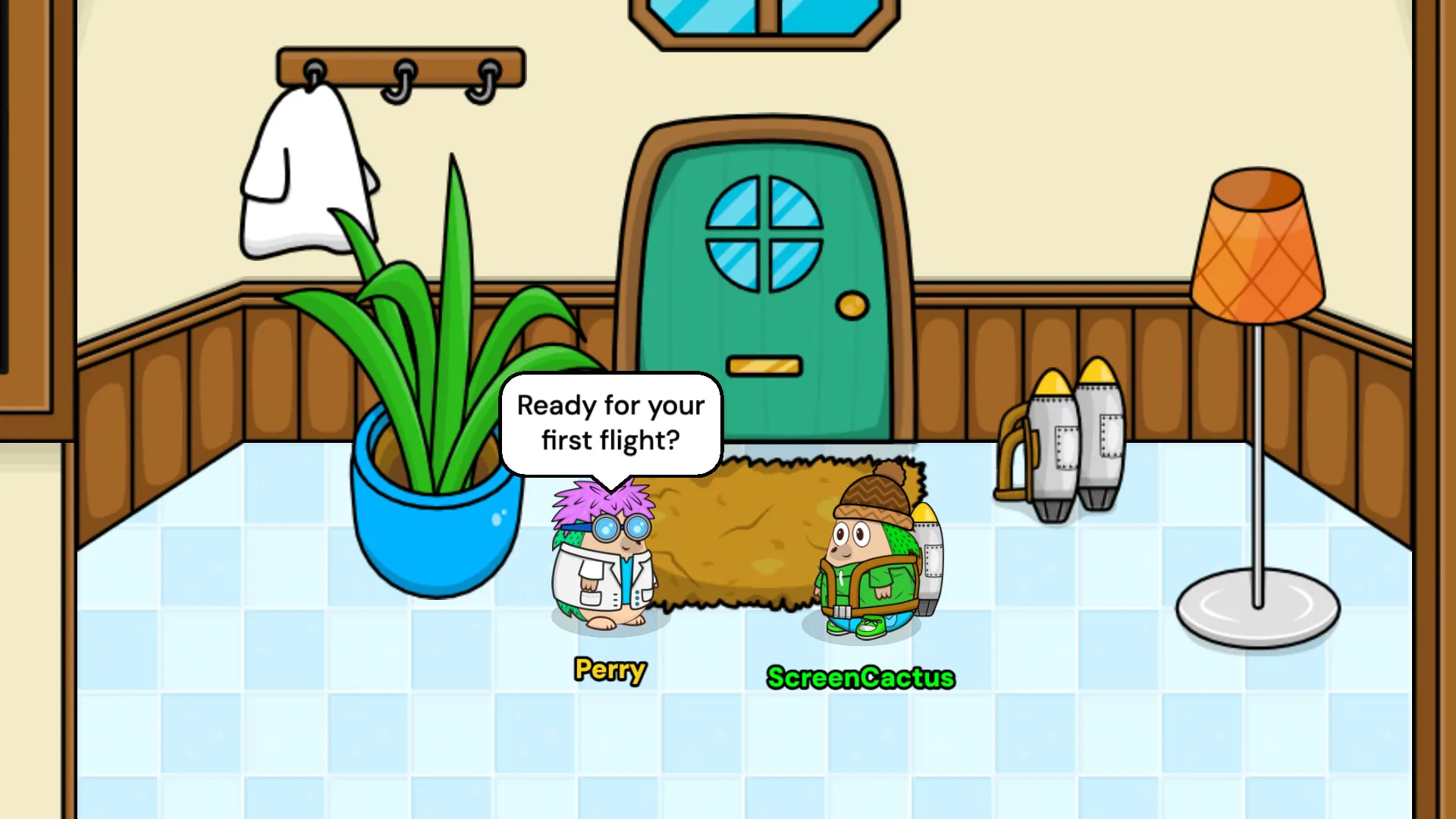
After the tour, follow the arrows along the paths to the Lab. Professor Perry is waiting there to send you on your first flight in Hedgehogs Can Fly, the jetpack minigame. Fly as high as you can, dodge whatever is falling out of the sky and grab fuel on the way up.
Every run pays out coins, so it's a great way to start saving up.
4. Earning coins
Coins are how you buy clothes and furniture. Here's where they come from:
- Minigames. Hedgehogs Can Fly in the Lab and Coffee Collection in the Cafe, where you serve customers before the clock runs out. Both have This Month, This Year and All Time scoreboards if you fancy a challenge. You can read more about each one on the Minigames page.
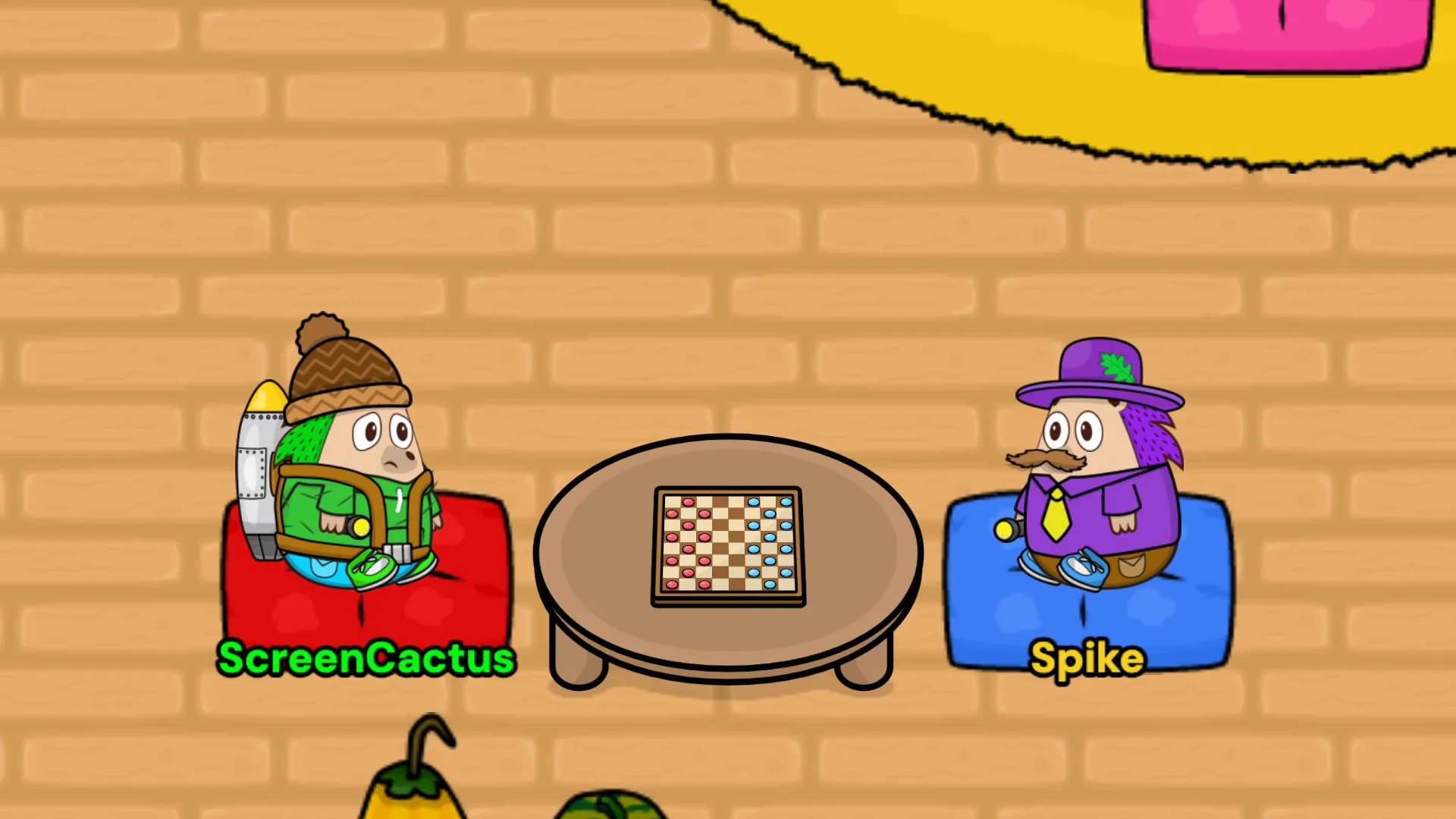
- Draughts. Sit down at a draughts table with another hedgehog and play a game. Anyone walking past can watch. Win or lose, you take home some coins.
- The daily bonus. Log in each day to pick it up.
- Spike's jobs. The pocket money from your welcome jobs.
5. Go shopping
Hazel and Mr Prickles run the shops in the Village and there's often a free gift waiting for you. Look for the Claim button. They'll even remind you in chat when there's something free to pick up.
6. Start your Badge Book
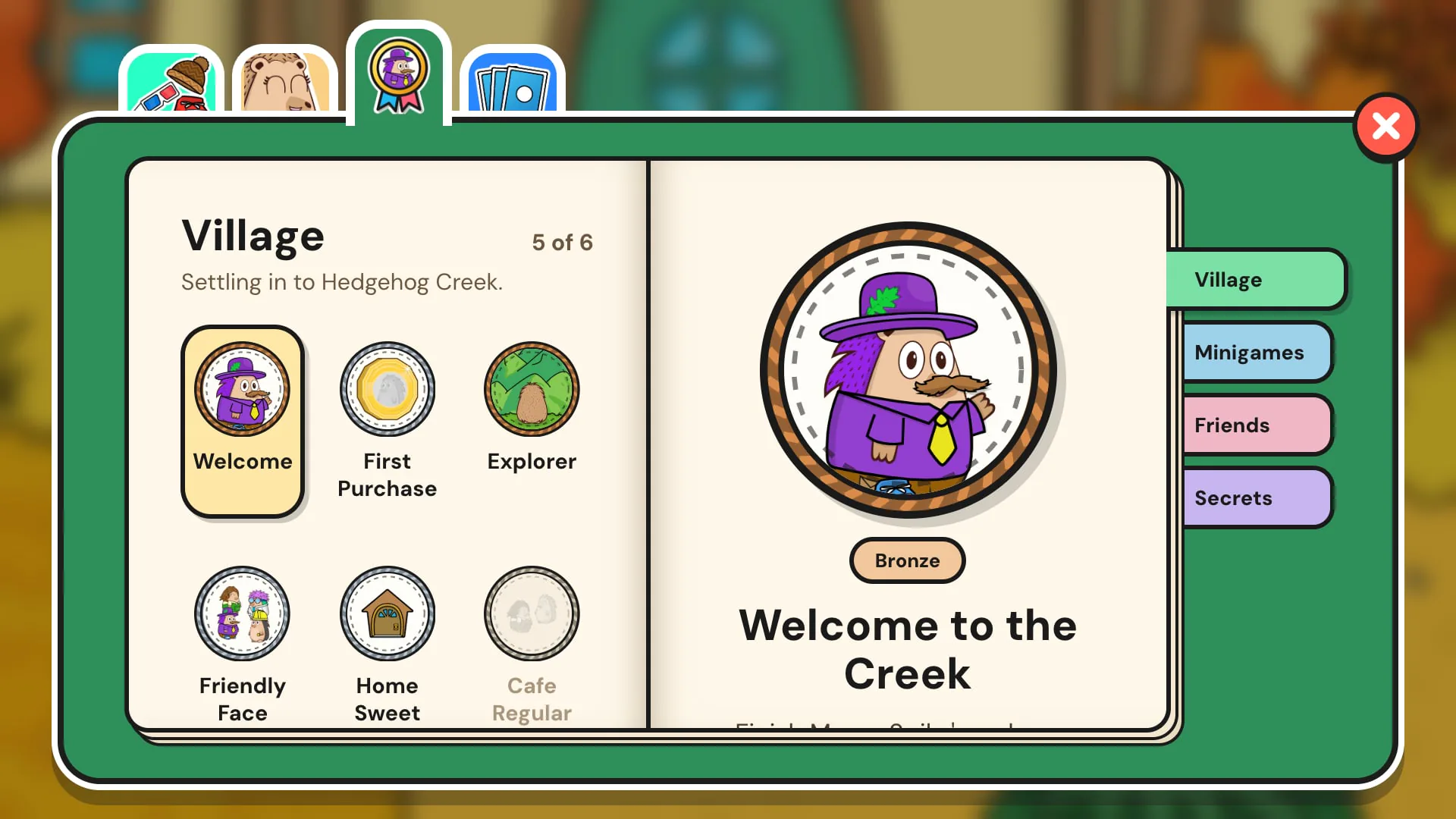
Press B (or open the Badges tab in your inventory) to see your Badge Book. Badges are little rewards for the things you do around the creek, from your first flight to making new friends. They come in bronze, silver and gold, plus secret badges you'll have to find for yourself.
You can pin up to four favourites to show on your player card, so other hedgehogs can see what you've been up to.
7. Click everything
Hedgehog Creek is full of little things to find. Trees rustle, coffee steams and crystals in the Cave sparkle when you tap them. Hidden cards are tucked inside things around the Cafe and the Cave, waiting for someone curious enough to click.
There are secrets too. Some only turn up on certain days. One mushroom in the Cave glows a little differently every day. I won't say any more than that.
8. Take a seat and say hello
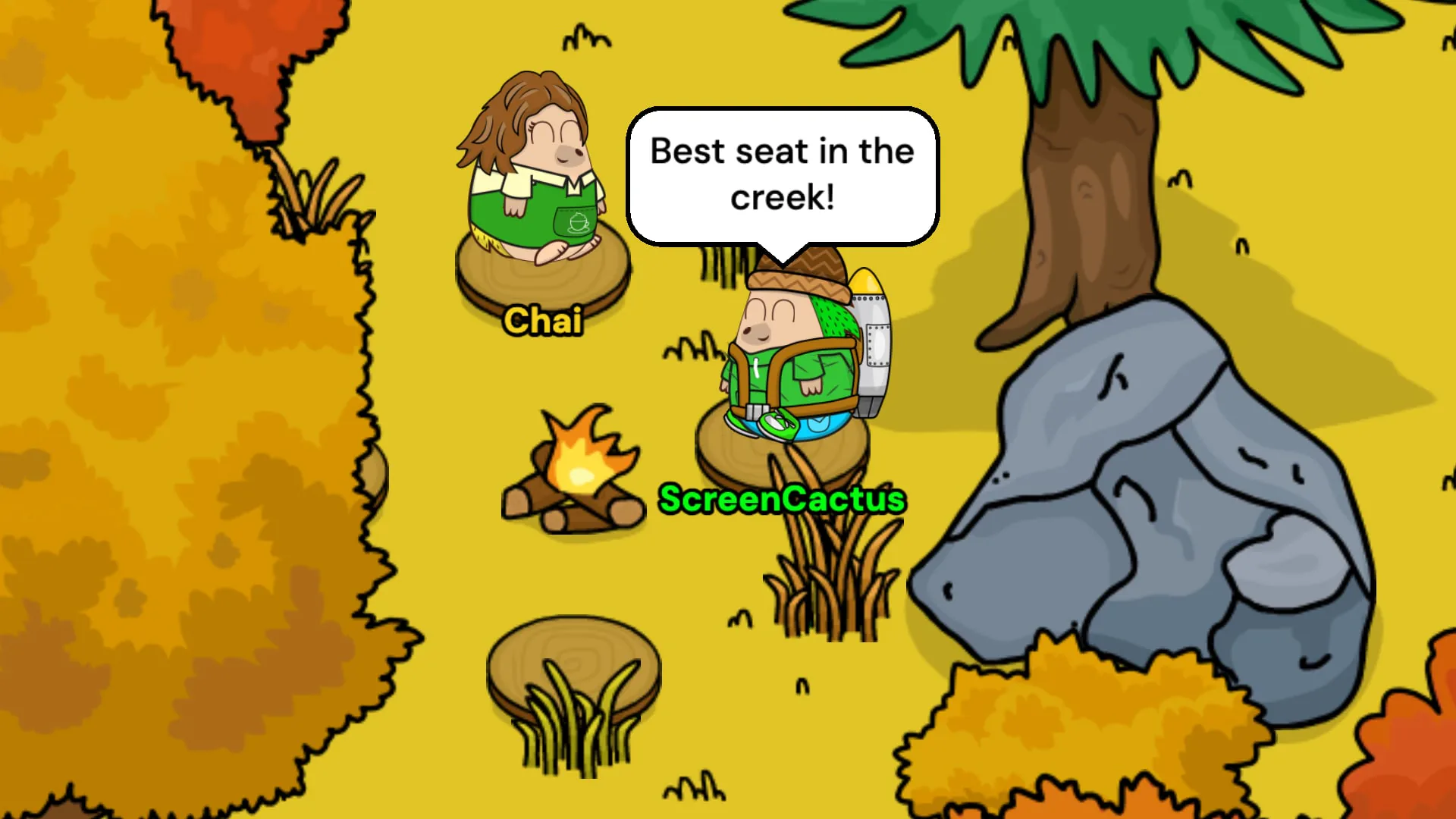
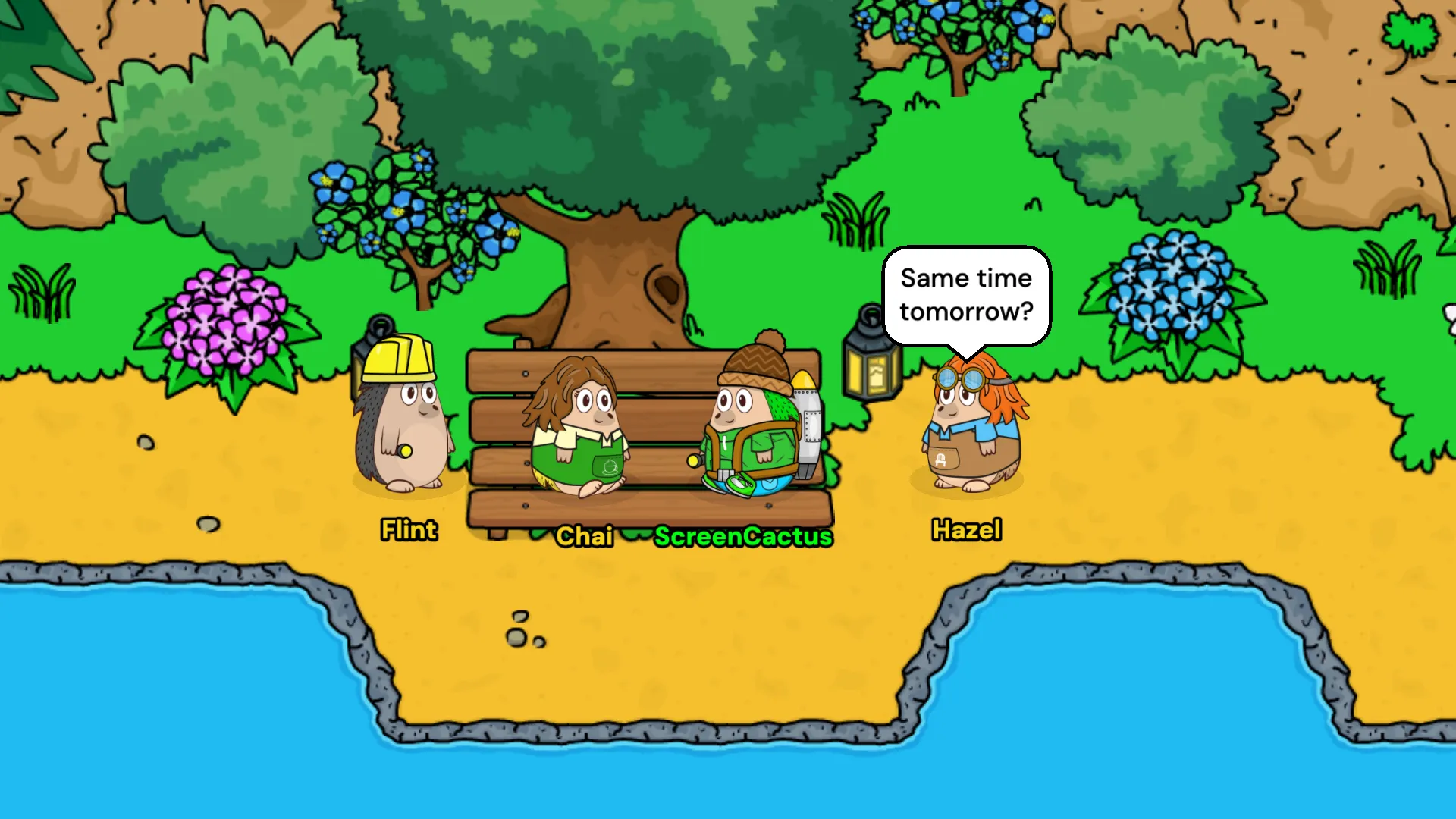
Tap any chair, stool, log or floor cushion and your hedgehog walks over and sits down. On a stool, log or cushion, press C (or tap yourself) to turn round. The camp fire in the Village and the tables in the Cafe are the cosiest spots to hang out.
Chat messages pop up in speech bubbles next to a little picture of each hedgehog. Press 1 to wave, 2 to sit or type /dance to start dancing. Walk away to stop.
9. Make your home your own
Every hedgehog has a home of their own. Fill it with furniture from the shops, then use the pencil to move things around until it feels just right. Friends can drop in to see what you've done with the place.
10. Make friends
Tap another hedgehog to open their player card and add them as a friend. From your friends list you can:
- Wave at a friend once a day. If they're offline, your wave waits for them.
- Visit their home.
- Open their Badge Book to see what they've collected.
- Check the News tab to see when friends beat a high score, get something new or redecorate, then send them a heart.
Every friend also has five hearts that fill up slowly as you spend time together: wave each day, play draughts together or hang out in the same room. Challenging a friend to draughts is one of the best ways to get to know someone.
Controls
- Walk: click or tap where you want to go, or use W A S D or the arrow keys.
- Phones and tablets: use the walking joystick in the corner, or just tap to walk.
- Emotes: 1 waves, 2 sits, /dance dances.
- Shortcuts: press ? to see them all.
- Escape closes panels and leaves chat.
- /whatsnew shows what changed in the latest update.
Where to go next
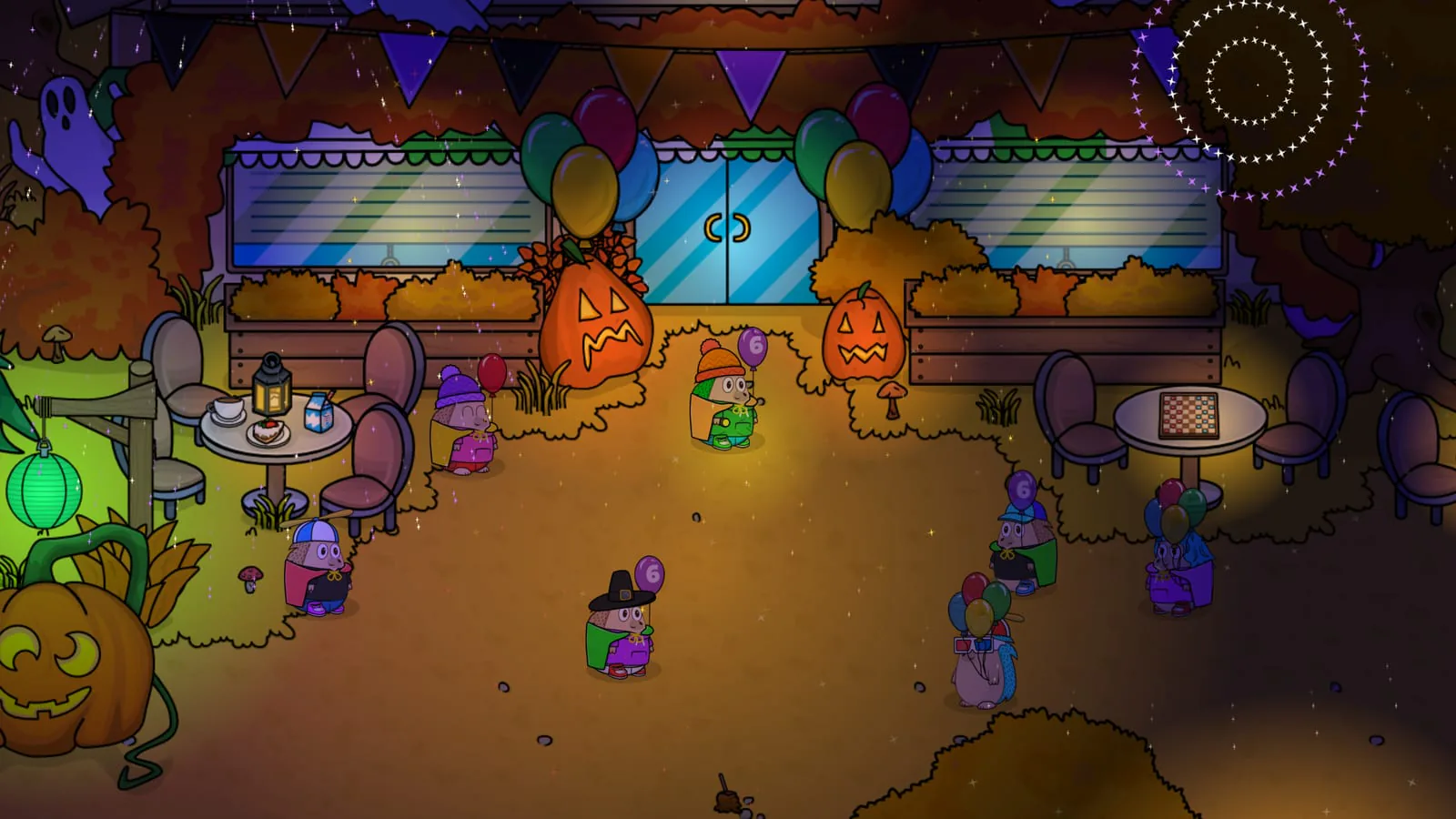
The Village, the Cafe, the Cave and Perry's Lab are all yours to explore. The world changes through the year too, with seasonal looks, festivals and events like the birthday party with fireworks in the Village sky. Keep an eye on the news page and the changelog for what's coming.
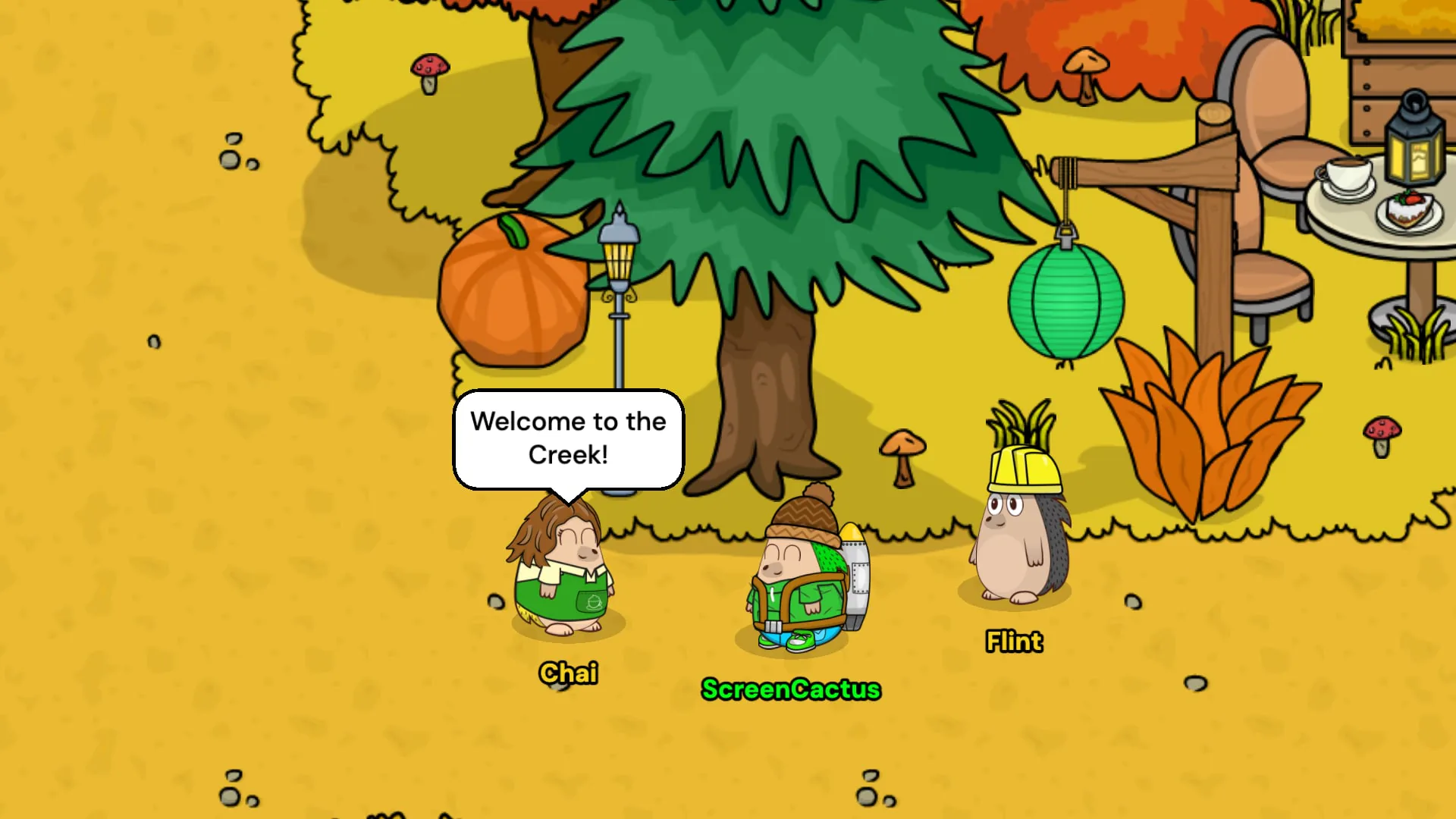
If you'd like to say hello, come and find me in the Village. I'm usually the one in the green jacket.
Create a hedgehog and start your first day.
FAQ
What is Hedgehog Creek?
Hedgehog Creek is a free to play online virtual world that runs in your web browser. You make a hedgehog, explore the village, play minigames for coins, decorate a home and meet friends. It's made by ScreenCactus, a solo developer in the UK. It has been growing since 2020.
Is Hedgehog Creek free?
Yes, Hedgehog Creek is free to play. You earn coins in minigames, draughts and the daily bonus and spend them on clothes and furniture.
Do I need to download anything?
No. Hedgehog Creek runs in your web browser, so there's nothing to install. You can add it to your phone's home screen if you like.
Does Hedgehog Creek work on phones and tablets?
Yes. It works on phones, tablets and computers. On touch screens you can tap to walk or use the walking joystick.
Is chat safe?
Every chat message passes through a chat filter and moderators can warn, mute or ban anyone who breaks the rules.
How do I get coins fast?
Play Hedgehogs Can Fly in the Lab, finish Mayor Spike's five welcome jobs, pick up your daily bonus and play draughts with other hedgehogs.
Who makes Hedgehog Creek?
Just me, ScreenCactus. I'm a solo developer in the UK and I've been building Hedgehog Creek since June 2020.
Stay Spiky!
- ScreenCactus