v10.2: A Warmer Welcome, Dress Your Hedgehog and WASD Walking
Hedgehog Creek v10.2 is here! A new sign up lets you dress your hedgehog before you start, there is a tour from Mayor Spike and everyone can now walk with W A S D or the arrow keys.
Hello Hedgehogs!
Version 10.2 of Hedgehog Creek is out today. Most of it is about your very first visit: we want new hedgehogs to feel at home straight away and know where to go. There are also new fixes and features such as walking with the arrow keys, a community favourite and staying signed in without having to tick a box.
If you are new here, Hedgehog Creek is a free online virtual world that runs in your browser. Dress up your hedgehog, decorate your home, make friends and play minigames. Create a hedgehog and you will get the new welcome yourself. Already have one? Log in and try walking with W A S D.
A warmer welcome
New hedgehogs now get a proper welcome to the Creek.
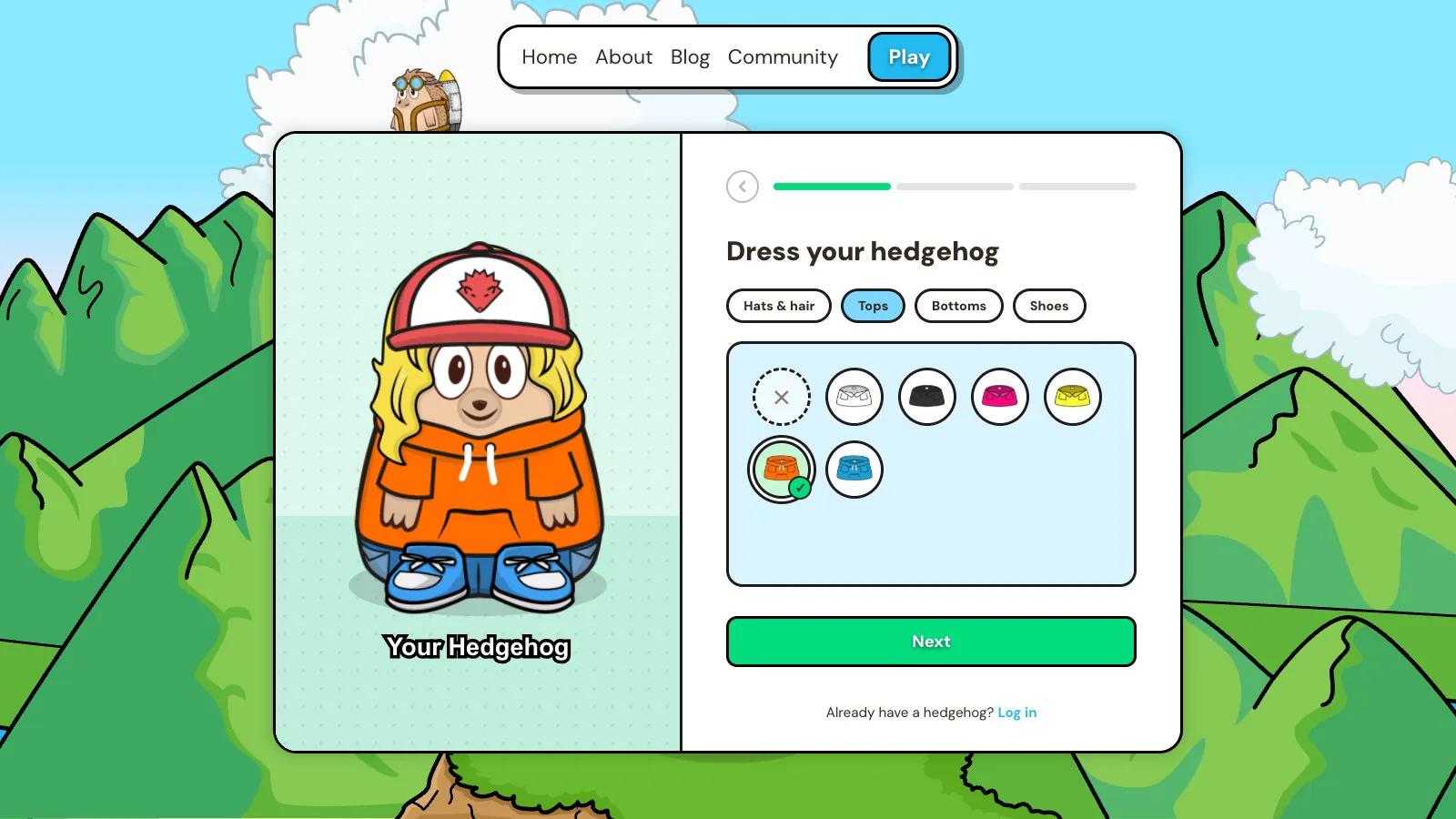
- Signing up now starts with your hedgehog. Pick a few starter clothes from hats, hair, tops, bottoms and shoes and watch your hedgehog change as you choose. Then pick a name and save it. Your hedgehog waves hello and you walk into the Creek already wearing what you picked.
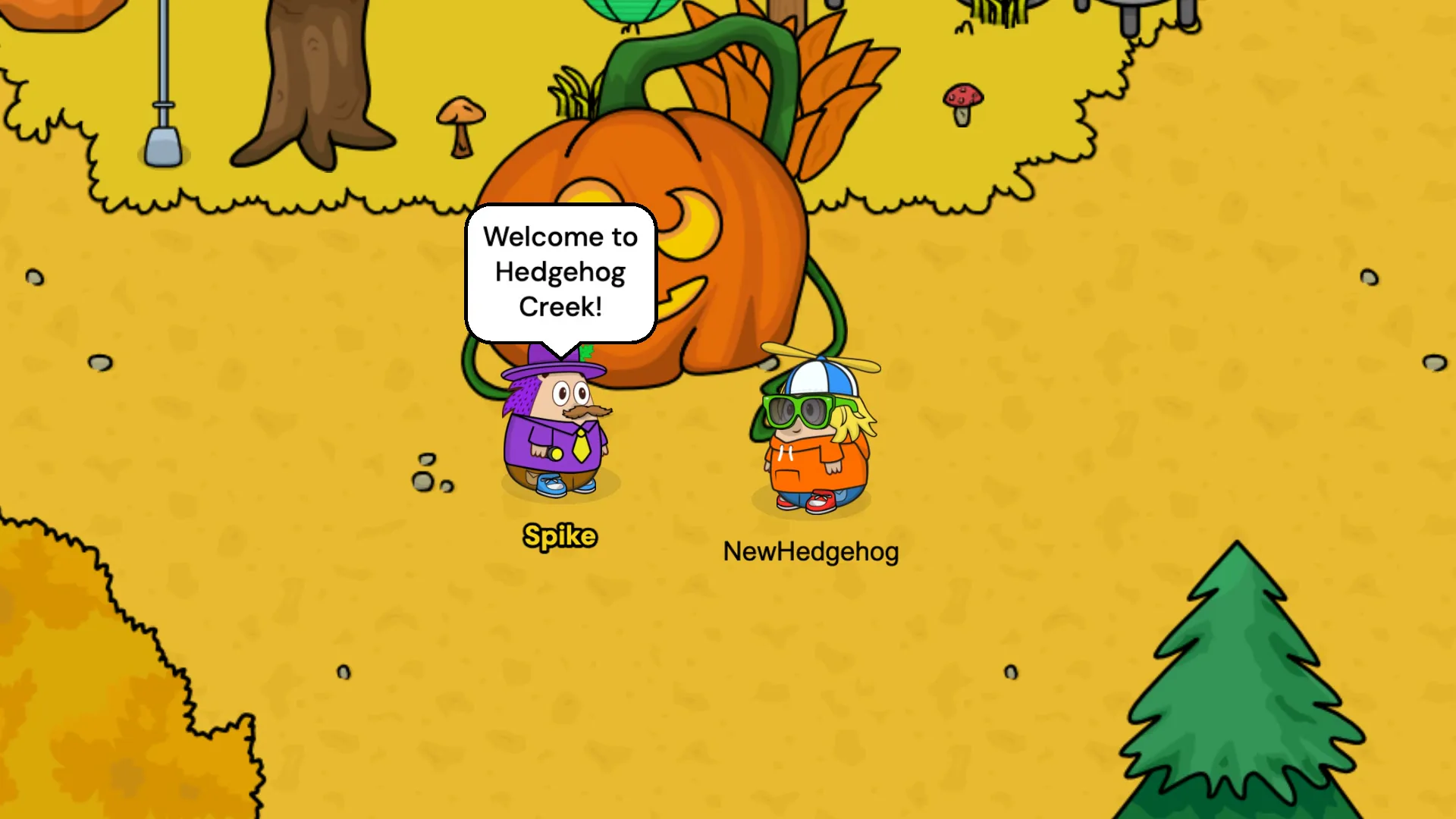
- The welcome tour has new pictures.
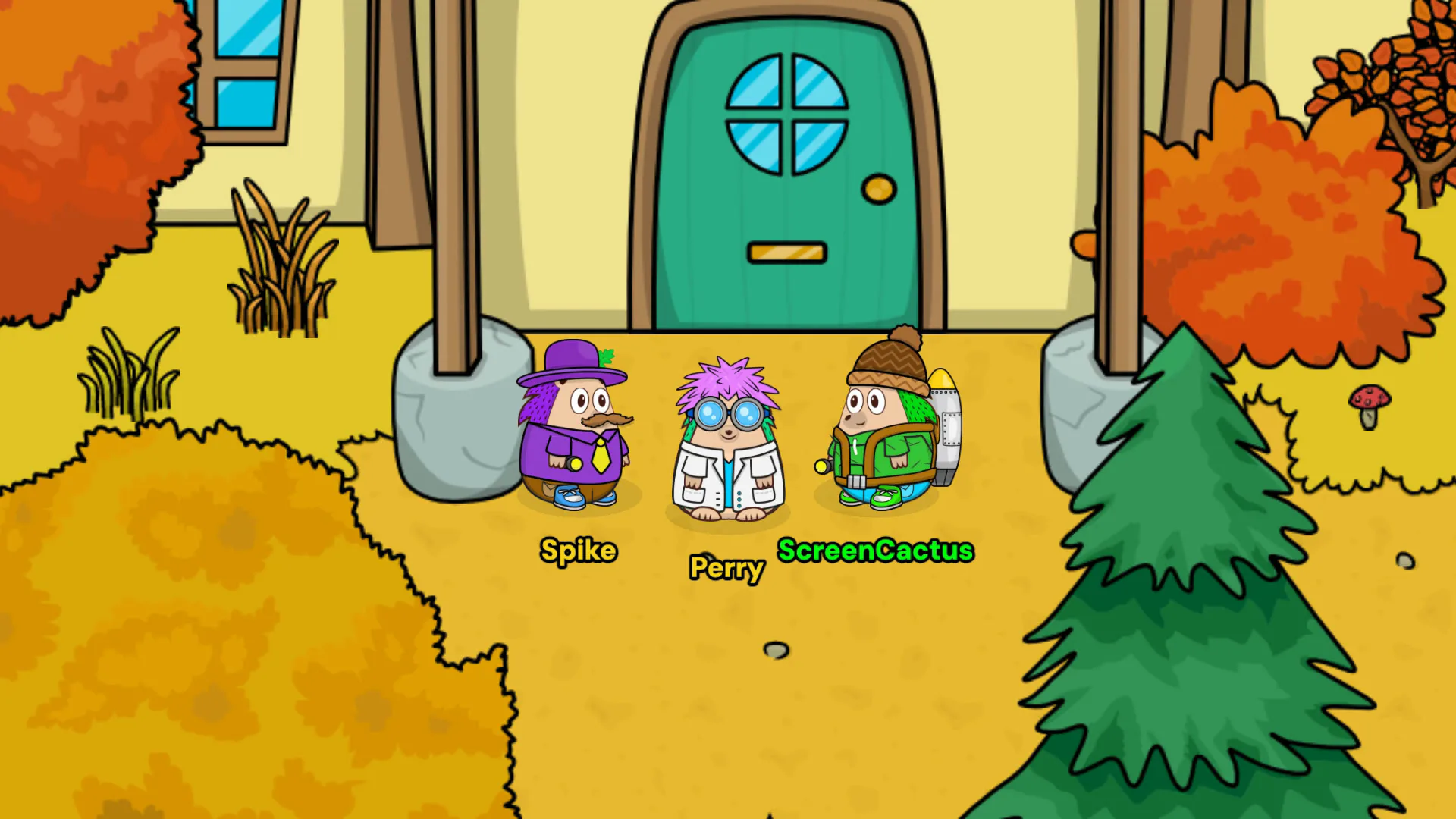
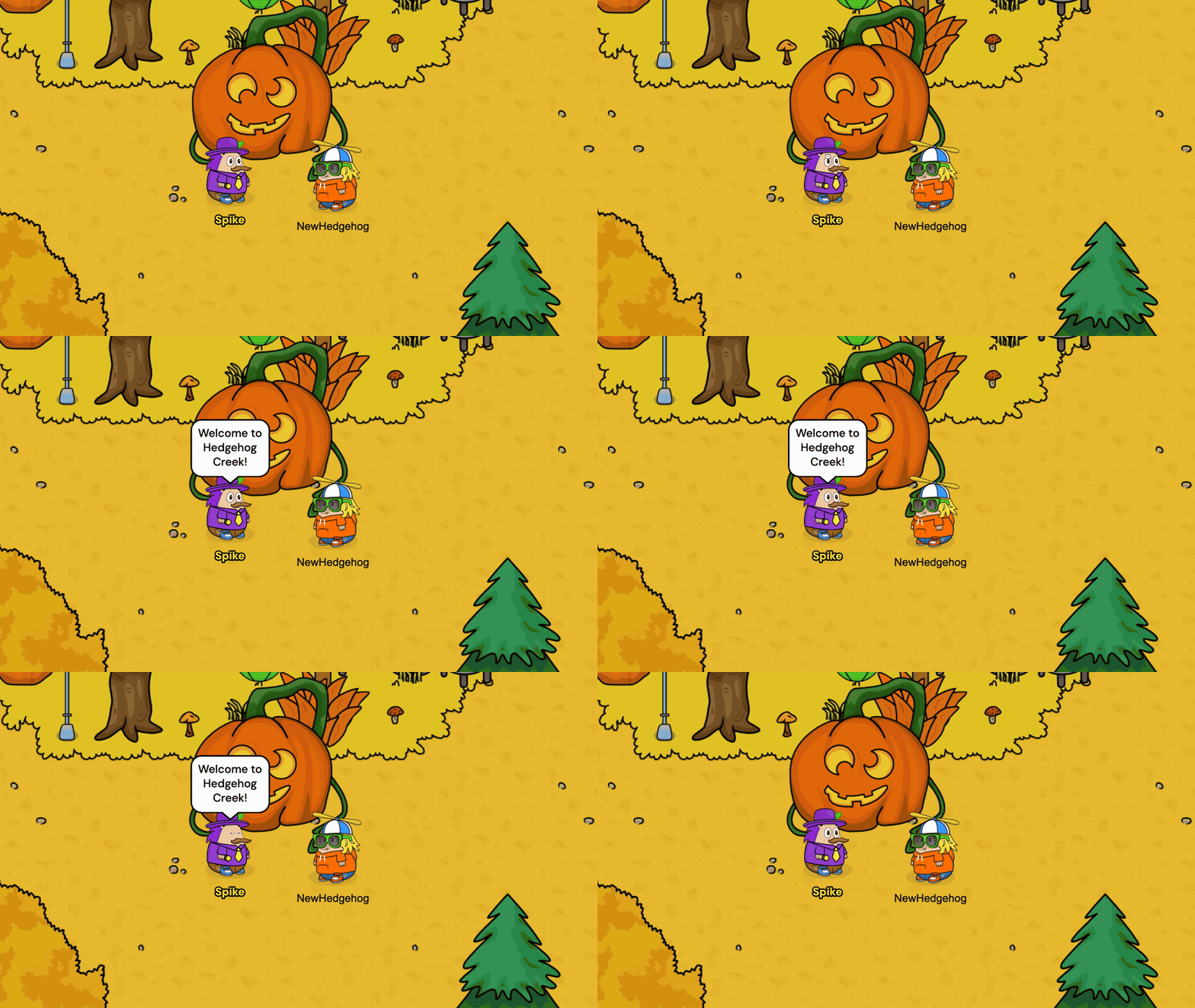
- Mayor Spike walks over to say hello and takes you on a tour of the Village, with the camera moving to the shops, the Cafe and Professor Perry's Lab as he goes.
- Arrows along the paths lead you to the Lab, where Professor Perry is waiting to send you on your first flight in Hedgehogs Can Fly.
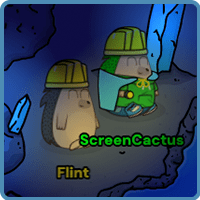
- Chai in the Cafe and Flint in the Cave say hello the first time you visit and show you what there is to do.

A lot of new hedgehogs get lost in the Village on their first visit, so the tour is now much easier to follow. As Mayor Spike talks, the camera glides over to each place he mentions: Mr Prickles' stall, Hazel's stall, the Cafe and Professor Perry's Lab. You see exactly where everything is before you set off.
The welcome and the new sign up are for new hedgehogs, so if you have been around for a while you won't see them. Tell your friends to make a hedgehog and see it for themselves!
Walk with your keyboard
You can now walk with W A S D or the arrow keys. Players have been asking for this for a couple of years, so thank you for your patience. Hold two at once to walk diagonally. Clicking or tapping where you want to go still works too.
Wave and sit used to be on W and S, so the emotes have moved to the number keys, in the same order as the emote bar: 1 waves, 2 sits and 3 to 6 change your face. Each emote button now shows its number.
Can't remember a key? Open the menu and pick Keyboard shortcuts, or press ? to see them all.
Stay signed in
You no longer need to tick "Remember this device" when you log in, so the box has gone. You now stay signed in on your device until you sign out, as long as you visit at least once a month. If you play on a shared computer, remember to sign out from the menu when you're done.
Everything else
- The Supporter Perks pop-up now waits until you have played a few times or been around for a week.
- You can now sign up with a school, work or any other email address, not just the big email services.
For every single change, read the full v10.2.0 changelog.
Thank you
Thank you to everyone who plays, reports bugs and shares ideas in the community. A lot of this update came from watching new players find their feet, so if you spot something confusing, tell me on Discord.
Stay Spiky,
- ScreenCactus