v10.3: The Badge Book, Spike's Jobs and Secrets in the Creek
Hedgehog Creek v10.3 is here! Collect badges in your very own Badge Book, help Mayor Spike with five little jobs, take a seat round the camp fire and go looking for the secrets hidden around the creek.
Hello Hedgehogs! Happy Halloween!
Version 10.3 of Hedgehog Creek is out today. It is all about giving you things to do and things to find. There is a brand new Badge Book to fill, five little jobs from Mayor Spike, lots more to click on in every room and a few secrets for you to hunt down. You can now tap a seat to sit down, the whole world has soft shadows and chat has a fresh new look too.
If you are new here, Hedgehog Creek is a free online virtual world that runs in your browser. Dress up your hedgehog, decorate your home, make friends and play minigames. Create a hedgehog to start your own Badge Book, or log in and see which badges you have already earned.
The Badge Book
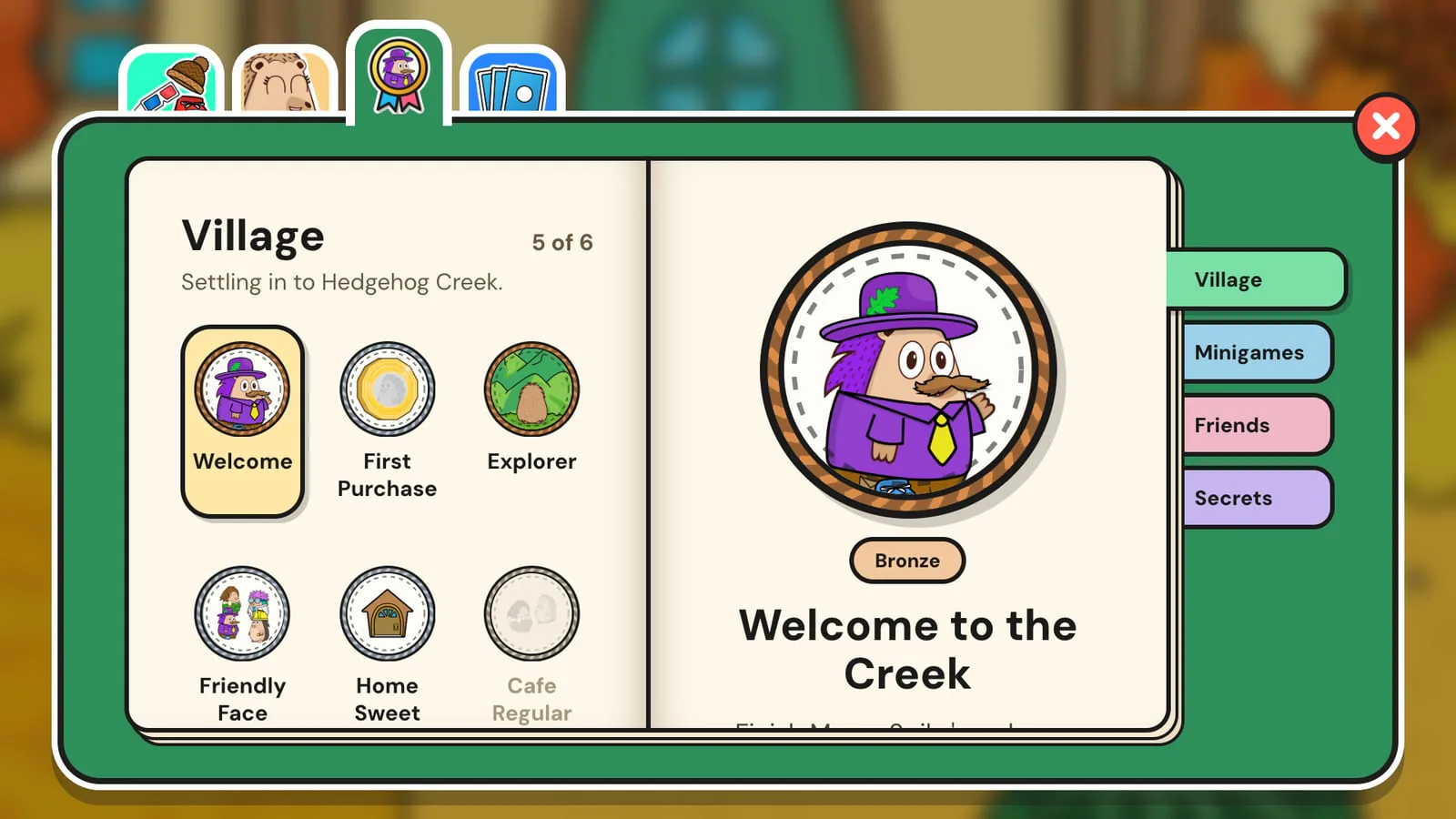
Badges are little rewards for the things you do around the creek, from your first flight to making new friends. They come in bronze, silver and gold. Some are secret.
- Open the Badge Book from the new Badges tab in your inventory, or just press B.
- It has pages for the Village, Minigames, Friends and Secrets. Tap a badge to see what it is for. Tap one you haven't earned yet to see what to do next.
- Some badges have more than one level. Buy your first item and you get bronze, then keep shopping for silver.
- A "Badge unlocked!" banner pops up when you earn one. Badges you had already earned before the update are added quietly the first time you log in.
- Pin up to 4 favourites to show off on your player card. Click any hedgehog in the world to see the badges they have pinned.
- Want to see how a friend is getting on? Open their card in your friends list and choose Badge book to look through theirs.
Spike's five little jobs
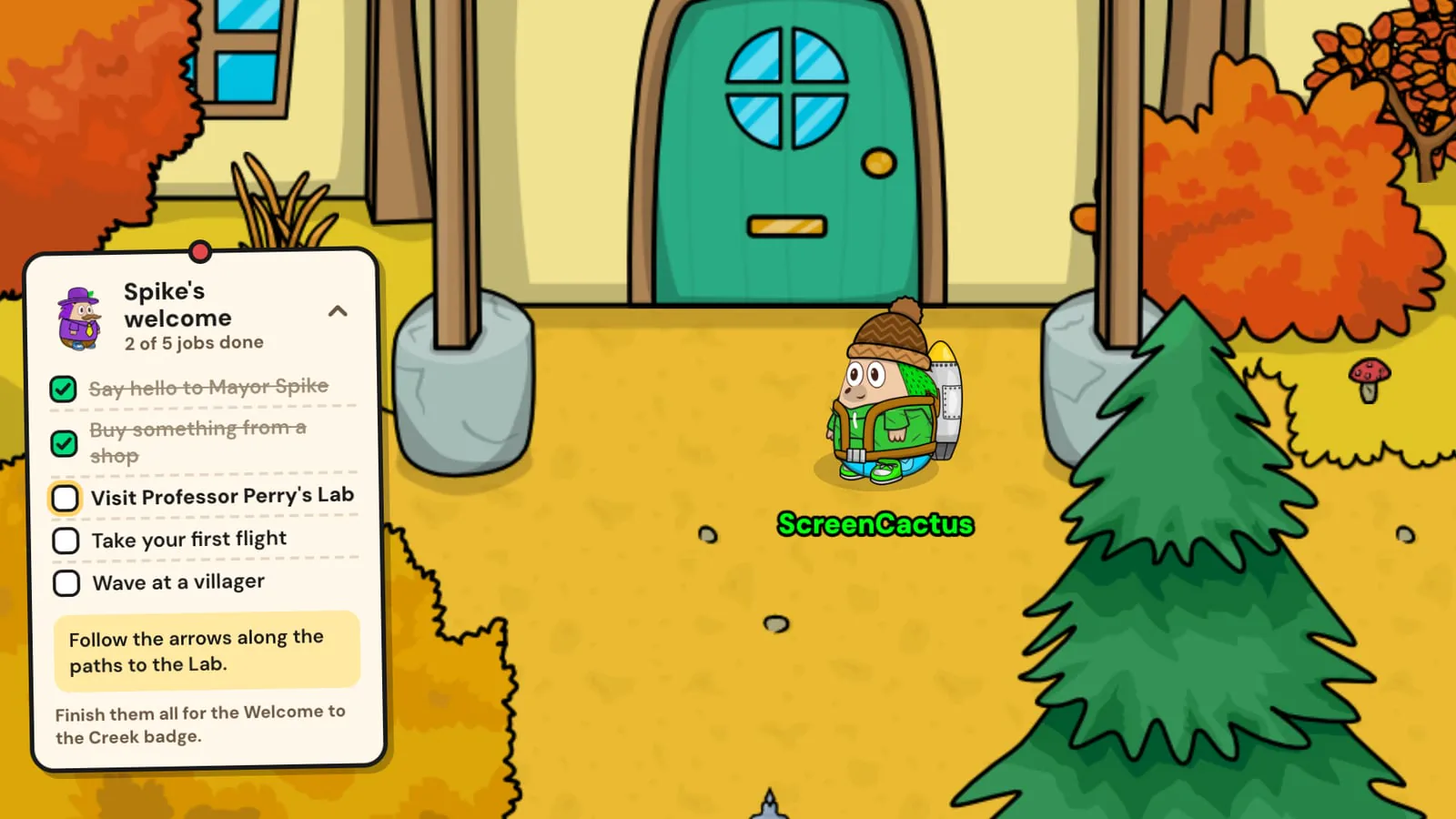
Mayor Spike has a few jobs for new hedgehogs, with some pocket money to get you started and a badge when you have done them all. They follow you as a little paper note while you play, so you always know what is next. If you have been around for a while, don't worry. Spike will offer you the jobs too.
Secrets
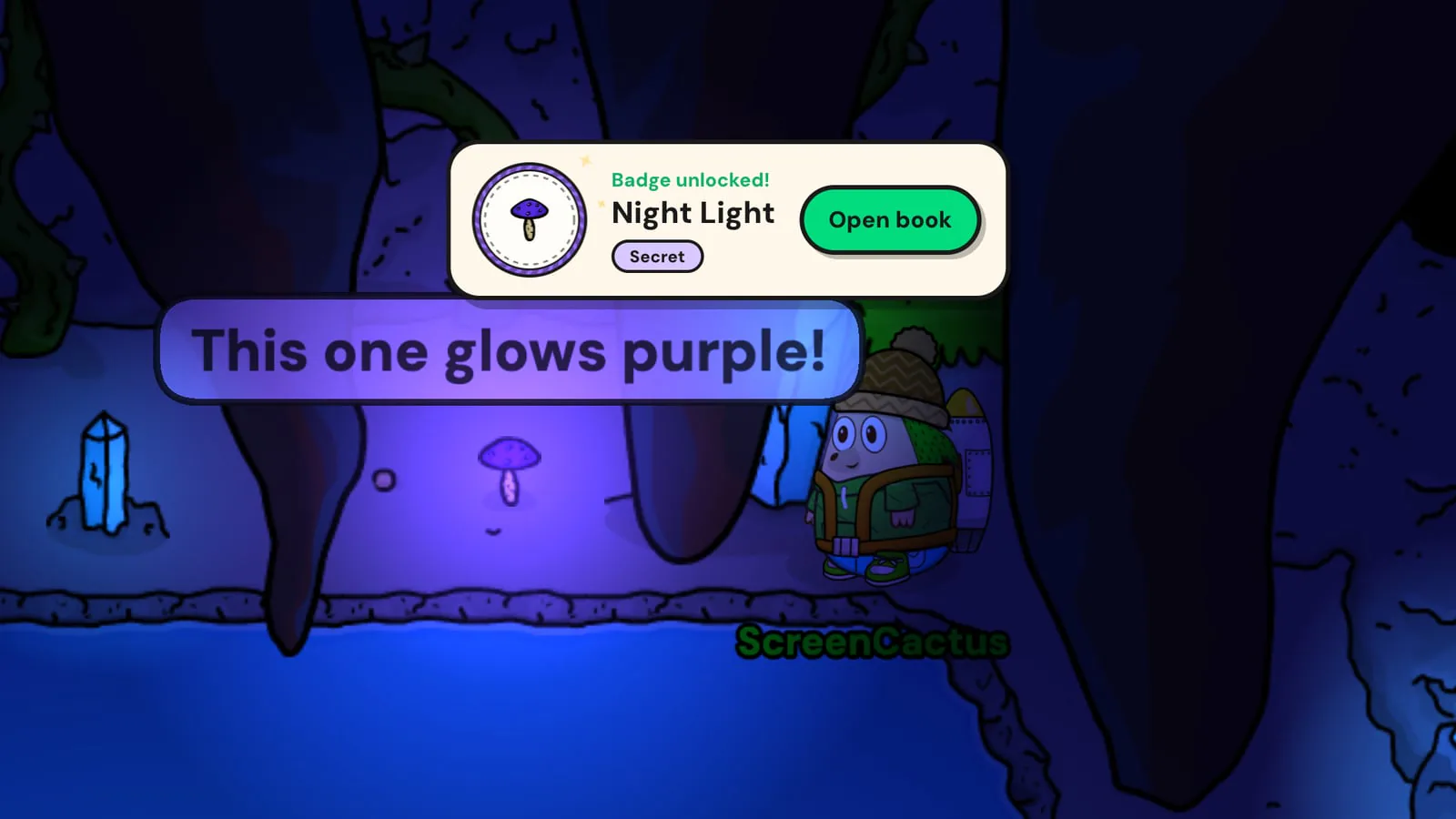
There are secrets hidden around the creek. Some only turn up on certain days. One mushroom in the Cave glows a little differently each day. I won't say any more than that. Chat to the villagers, poke around and see what you can find. Then tell the community on Discord when you do.
Take a seat
Tap a chair, a stool, a log or a floor cushion and your hedgehog walks over and sits down by itself, facing the table or the camp fire. No more standing around at the Cafe. Stools, logs and cushions have no right way round, so tap yourself (or press C) while you're sat down to turn and face someone else. Tap anywhere else to get up again.
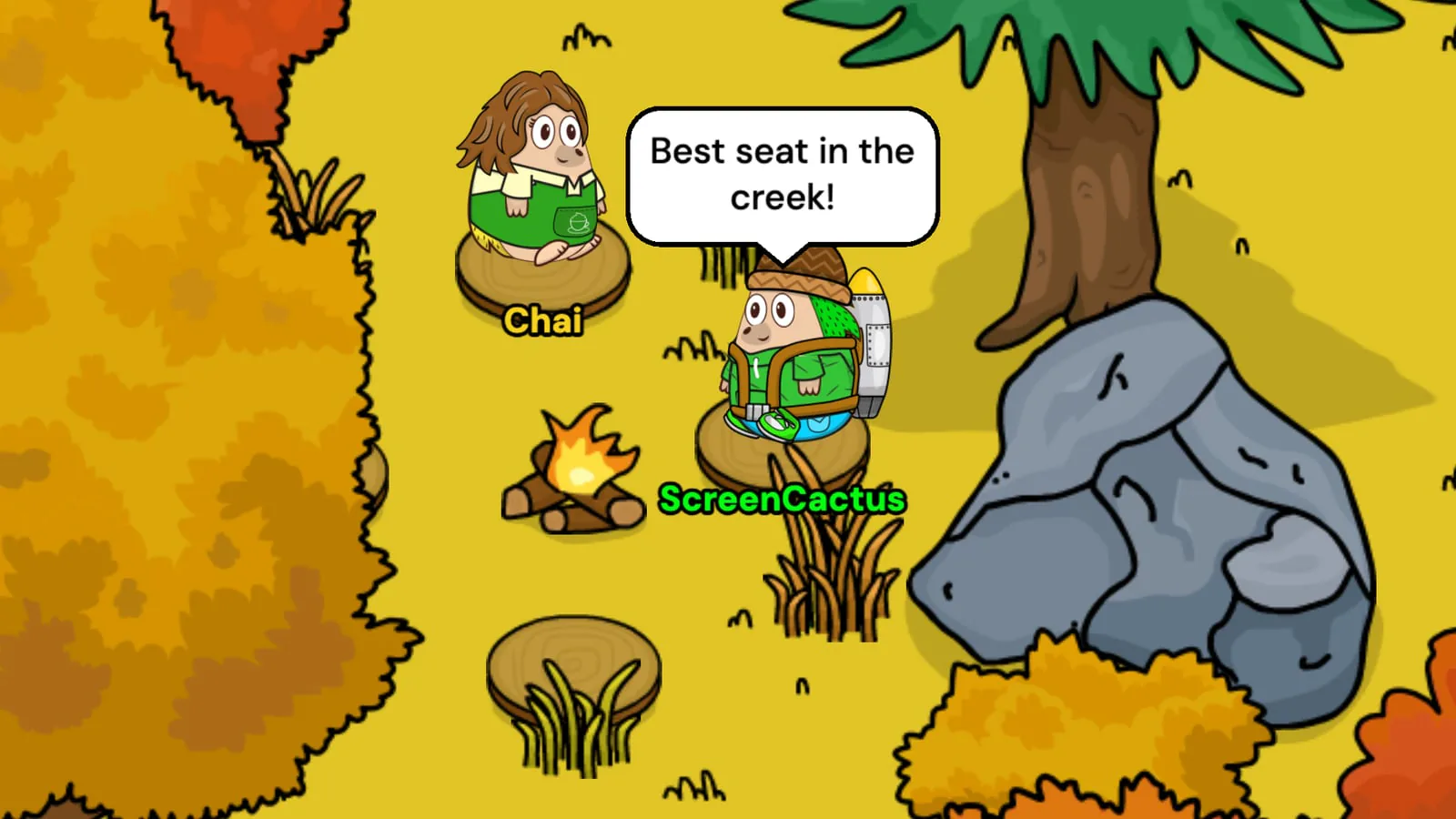
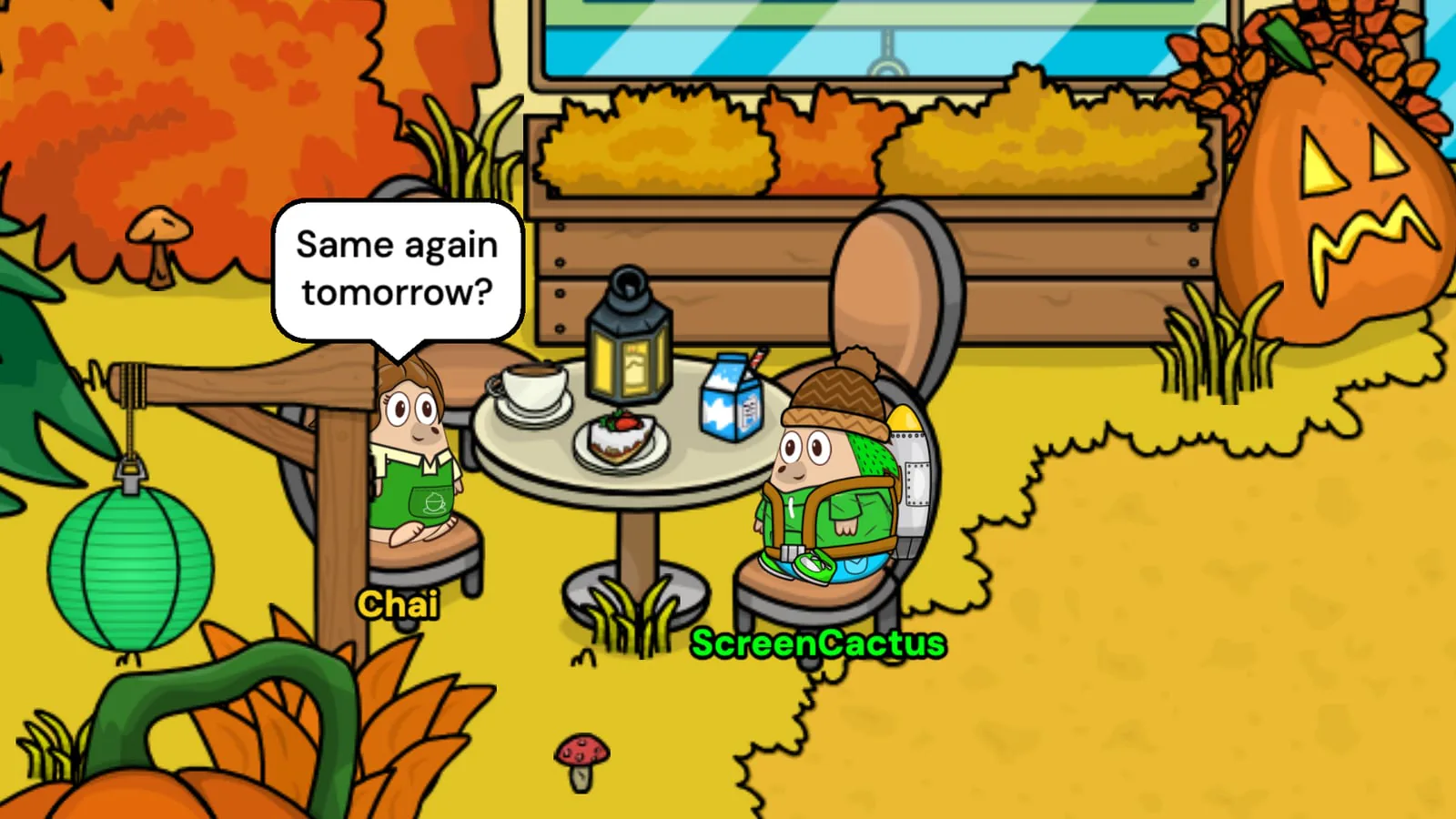
It works on every seat in the creek, so pull up a chair at the Cafe for a chat over coffee and cake.
Soft shadows
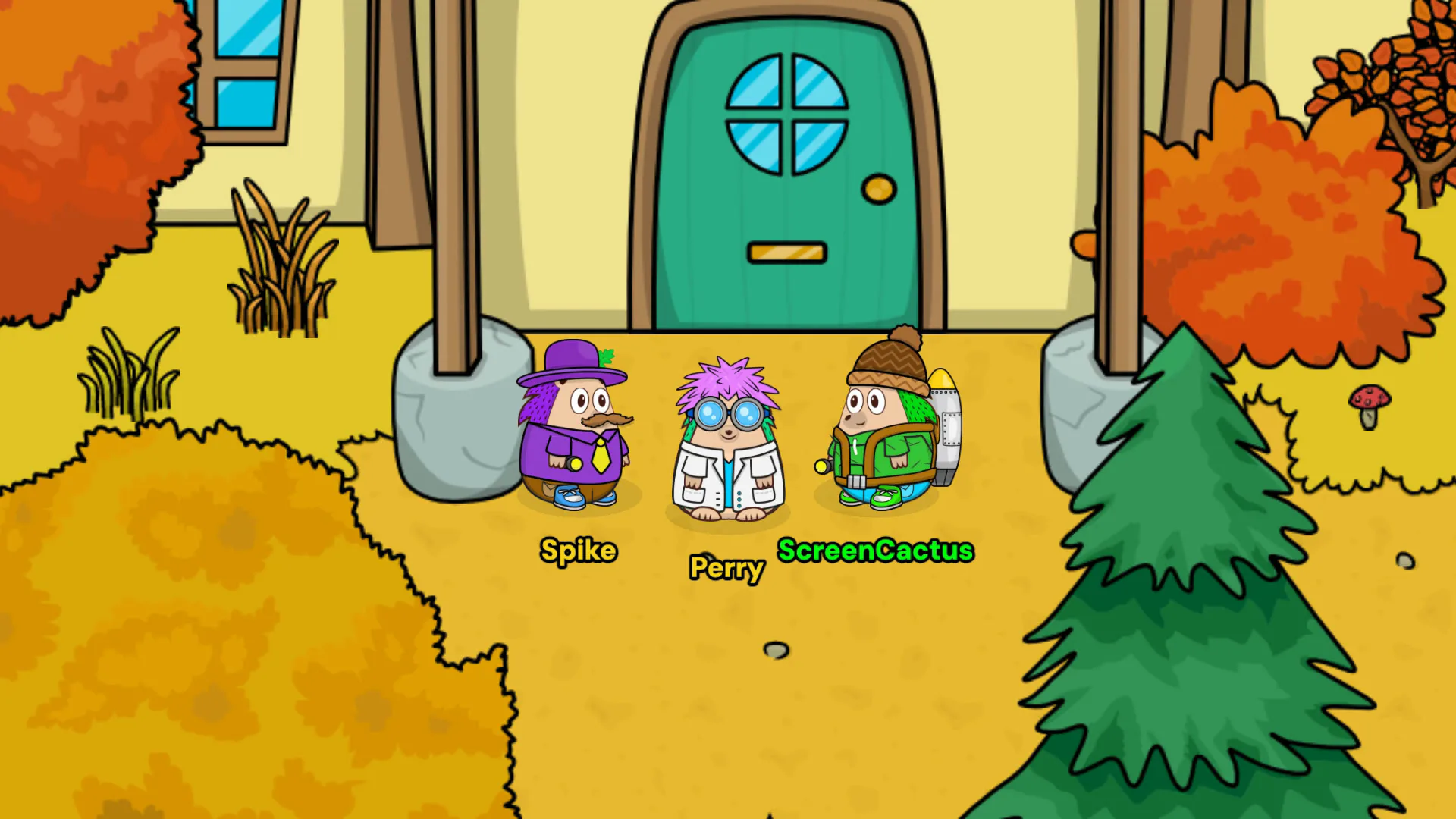
Trees, rocks, furniture and hedgehogs all cast a soft shadow on the ground now, so everything feels like it is really sitting in the world. Where two shadows overlap they blend into one, so a table full of chairs or a row of trees doesn't end up with dark patches. You can spot them under the logs and the big rock in the camp fire picture above.
Paddling in the Cave lake
Paddling in the Cave lake feels much better now. You only get wet once you have actually stepped into the water, so standing on the bank no longer leaves you looking half sunk. Getting in and out is smooth too. The water over your legs now fits your own hedgehog and whatever you are wearing, instead of one fixed shape over every outfit.

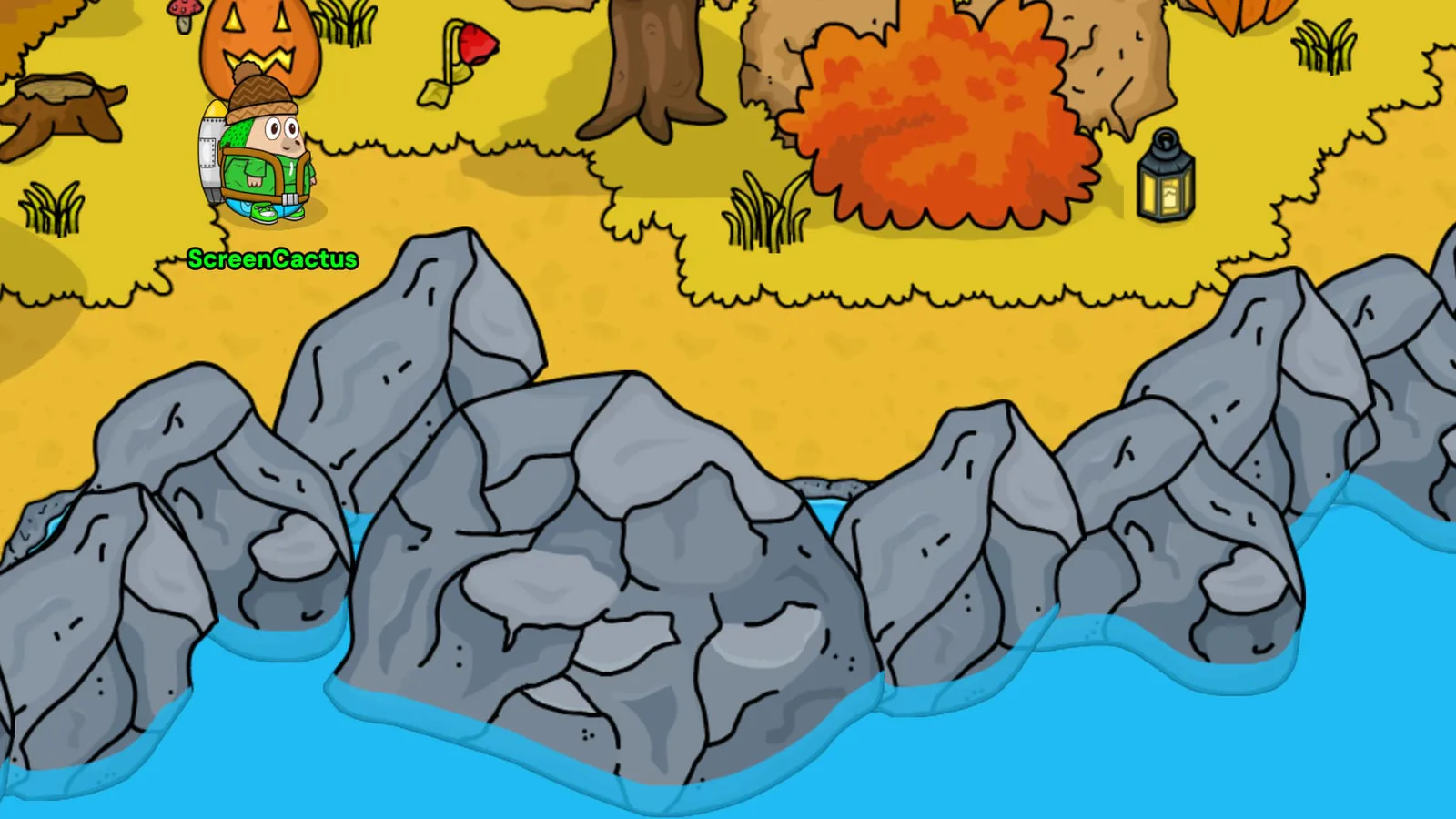
Rocks in the water
The rocks in the Village pond and the stalagmites in the Cave pond now look like they are really in the water. The water laps round them with a soft see-through edge. It stays put when you click a rock and it rumbles.
Click around
Lots of things in the Creek now react when you click them. Trees rustle, coffee steams, rocks rumble and there is more to find in every room. Crystals in the Cave flash, shake and give off little sparkles in their own colour. It is a small thing but it makes the world feel a bit more alive.

Coins you win now burst into your coin counter with a jingle too, whether they come from a minigame, the daily bonus or a game of draughts.
New Halloween music and sounds
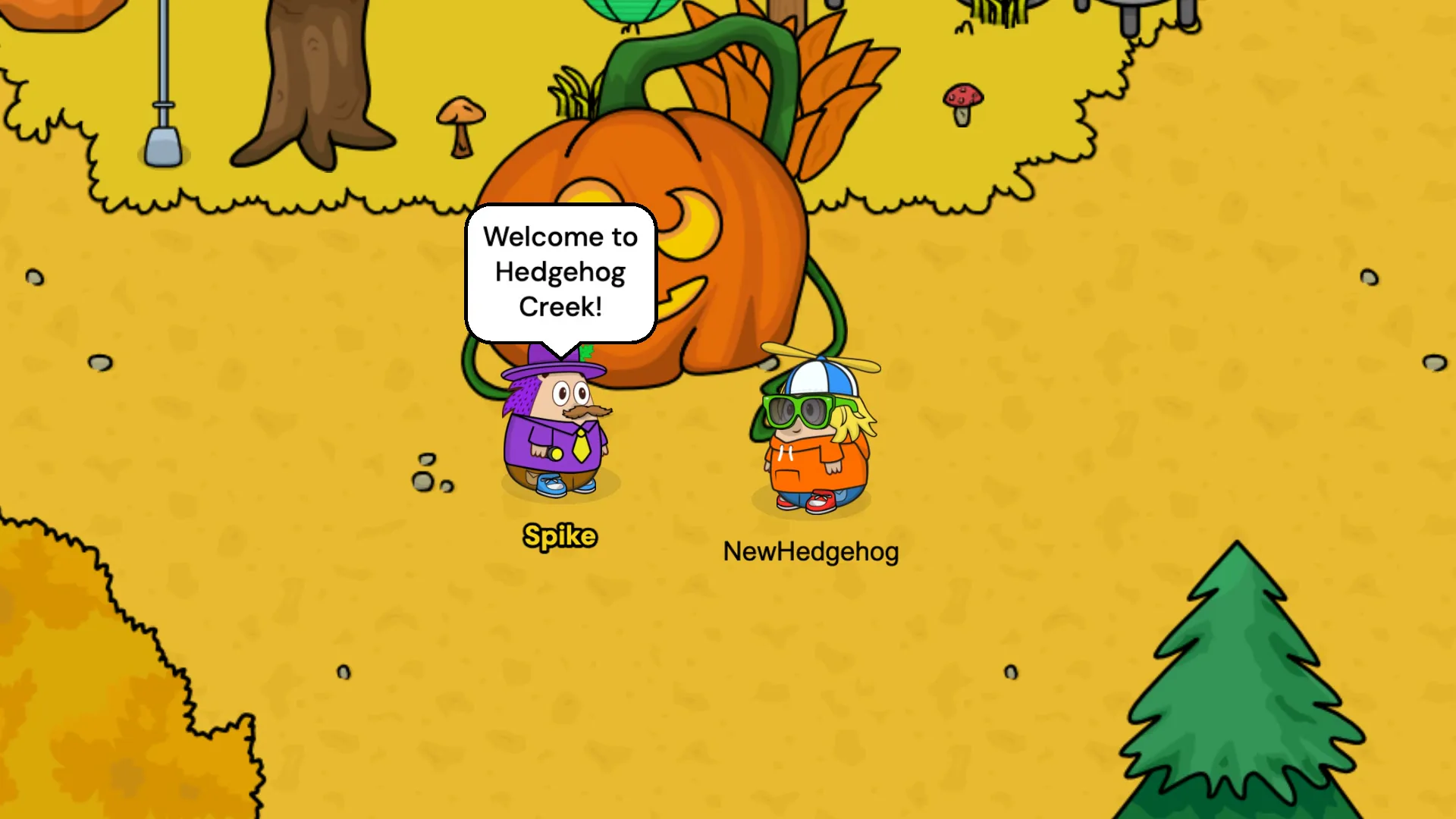
The Village has brand new Halloween music, so take a wander round the giant pumpkin and have a listen. The Cafe has new music for the autumn festival too.
There are lots of new sound effects to go with it. Trees and bushes rustle, rocks knock and wooden things tap when you click them. The Badge Book opens with a thump and flips its pages, and coins clink and jingle as they fly into your counter. Doors open and close with their own sound too.
Dance!
There is a new dance emote next to wave. Your hedgehog spins round as it dances, with a different move each time you press it. Held items, capes and scarves are tucked away while you dance and come back when you stop. Tap to walk and the dance ends.
A fresh look for chat
Chat messages now pop up in speech bubbles, each one next to a little picture of the hedgehog who said it. The picture shows their head in their outfit, on the banner colour from their friend card. If you change your outfit or your colour, your picture changes with it.
Patreon supporters get their own bubble colours and a bronze, silver or gold ring round their head. The chat log is taller now too, so you can scroll back further.
Your profile picture
Your profile picture in the corner now tells you the time, the day and the weather in the creek. A little sky turns behind it through the day, from a sunny morning to a starry night. Its background matches the banner colour on your friend card, so it looks like you wherever you see it.
Playing on a phone or tablet
- There is a walking joystick in the corner. Tapping to walk still works too. Tapping something that reacts, like a tree, still walks you over to it.
- Hedgehogs look sharper on phones and other high resolution screens.
Finding your way
- Tap a door to see where it goes. Your pointer turns into a hand over doors so they are easy to spot.
- A little ripple shows where you tapped to walk.
- The villagers keep to the paths in the Village now, instead of wandering behind trees and furniture.
Everything else
- There is a new Mute Sound Effects setting for rain, thunder, chat pops and other game sounds. Background music still has its own setting.
- Lamps glow softly from the lantern itself.
- The inventory turns its pages with a little sound. Door sounds are quieter too.
- Scavenger items now get picked up when you walk over them with the arrow keys or the joystick. They no longer get stuck on shops, doors or other spots you can tap.
For every single change, read the full v10.3.0 changelog. Missed the last update? Catch up on v10.2: A Warmer Welcome and WASD Walking.
Our 6th birthday is coming
Hedgehog Creek turns six soon! The birthday party will be held at our next community meetup, so keep an eye on the community page and Discord for the date. Come along, celebrate with other hedgehogs and see if you can show off a few new badges on your card.
FAQ
Is Hedgehog Creek free to play?
Yes. Hedgehog Creek is a free online virtual world that runs in your browser, with nothing to download. Create a hedgehog to start.
How do I open the Badge Book?
Open your inventory and pick the Badges tab, or press B on your keyboard.
How many badges are there?
There are 26 badges to earn in v10.3, across the Village, Minigames, Friends and Secrets pages. Some are secret, so you'll have to find those for yourself.
How do I show my badges to other players?
Pin up to 4 favourites in your Badge Book. They show on your player card for anyone who clicks your hedgehog.
How do I sit down in Hedgehog Creek?
Tap a chair, stool, log or floor cushion and your hedgehog walks over and sits down. Tap yourself or press C to turn round on a stool, log or cushion.
Can you swim in Hedgehog Creek?
Yes. Walk into the lake in the Cave and your hedgehog paddles, with the water up over their legs. Walk back out onto the bank to dry off.
Can I play Hedgehog Creek on my phone?
Yes. It runs in the browser on phones and tablets. v10.3 adds a walking joystick and sharper hedgehogs on high resolution screens.
Thank you
Thank you to everyone who plays, reports bugs and shares ideas in the community. I hope you enjoy collecting badges. If you spot something that doesn't look right, tell me on Discord.
Stay Spiky,
- ScreenCactus